Cold email pack by sector
Seven adaptable B2B cold email templates, with an initial go/no-go checklist, context fields and stopping rules for responsible use.

In this guide · 6 sections
This pack turns the subject line, opening line and CTA structure into seven sector-specific drafts. Each template keeps its fields visible so that the team must confirm the context before writing — and to prevent a hypothesis from appearing to be genuine personalisation.
This guide is operational and does not replace legal validation.
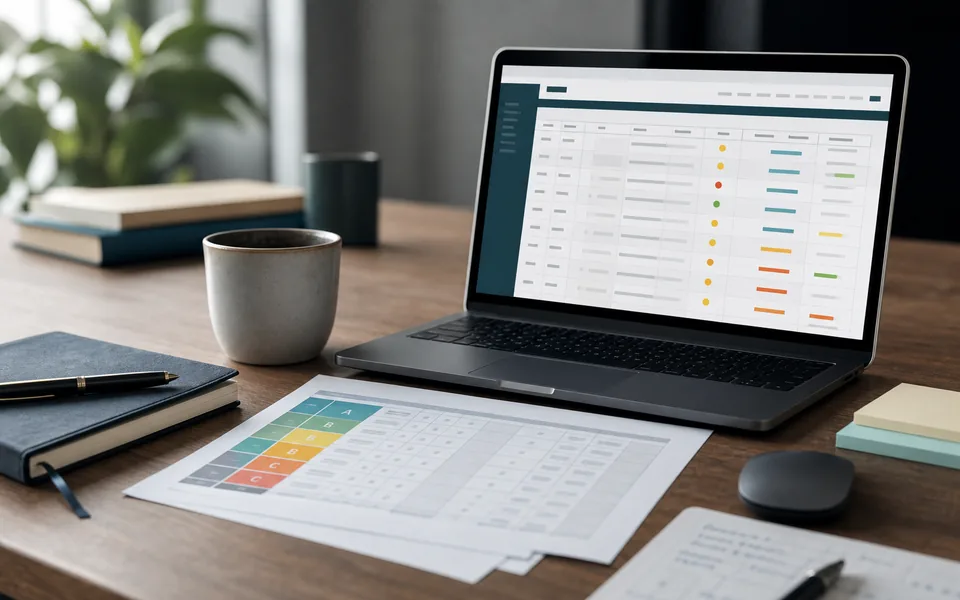
Editorial image: Ada, Makers’ virtual persona, in a photorealistic composition created for this edition.
What is included
The Markdown file includes:
- an initial go/no-go check to decide whether the message should even be prepared;
- adaptation rules and a common list of fields;
- seven templates for clinics, property, hospitality and restaurants, training, industry and technical services, agencies and professional services, and software/SaaS;
- a subject line, opening line, short body and CTA in each template;
- rules for objections, suppression and stopping;
- links to official sources to consider during validation.
The templates are deliberately short. They do not include automated sequences, techniques for bypassing filters, contact lists or performance promises.
Who it is for
The pack was prepared for B2B teams that have already defined their customer profile, know where their contacts come from and need to maintain consistency between research and messaging.
It can help you:
- turn a verifiable business signal into an opening line;
- keep the subject line aligned with the content;
- reduce the CTA to a proportionate question;
- require a human review of variable fields;
- document when a message should not proceed.
It does not legitimise purchased databases, contacts collected indiscriminately, campaigns without an appropriate recipient or messages sent after an objection. Having an email address is not enough to conclude that contact is appropriate.
How to adapt it without inventing context
- Confirm that the company belongs to the segment and that the topic is relevant to the role you are contacting.
- Record the contact source, purpose and business signal using an appropriate, current source.
- Replace every field in square brackets; if evidence is missing, do not fill it in by assumption.
- Choose just one subject line and one CTA.
- Have a person review identity, tone, claims, links and the mechanism for objecting.
- Apply the internal policy and legal validation before sending.
- Record refusals and objections in the suppression list without delay.
The fields have been left visible on purpose. A message with [VERIFIED_SIGNAL] still unfilled must fail the initial check, rather than reach the recipient.
Safe and proportionate use
Do not treat these templates as a licence to automate volume. The process should limit data, frequency and the number of attempts to what has been approved for the context. The sender must be identified, the commercial nature of the message must not be disguised, and the recipient must be able to ask for contact to stop.
Silence is not consent. An objection, a request not to be contacted again or any other indication incompatible with continuing should trigger the stopping rule and the corresponding suppression.
Sources to consider during validation
Before activating any campaign, review Portugal’s Law no. 41/2004, the CNPD’s information on unsolicited promotional communications, the EDPB’s guidance on individuals’ rights and Gmail’s sender guidelines.
These references do not, by themselves, resolve the assessment of lawfulness, purpose, transparency, retention or channel. Validate the specific case with whoever is responsible for legal and privacy matters in your organisation.
Before downloading
Start with the initial go/no-go check included in the pack. Only then choose the sector, confirm the signal and adapt the text. If you cannot explain simply why that company and that role are appropriate recipients, do not send the message.
Cold email pack by sector
Enter your email to unlock this resource. Your request makes the file available on this page and records where the request came from. This does not subscribe you to a newsletter.